Charge
Use the USB-C charging port on the base with a compatible 5 V / 2 A power supply. Keep the port clean and dry.
03 / PRODUCT GUIDE
Unbox, power up, and make a little time for your first ritual.
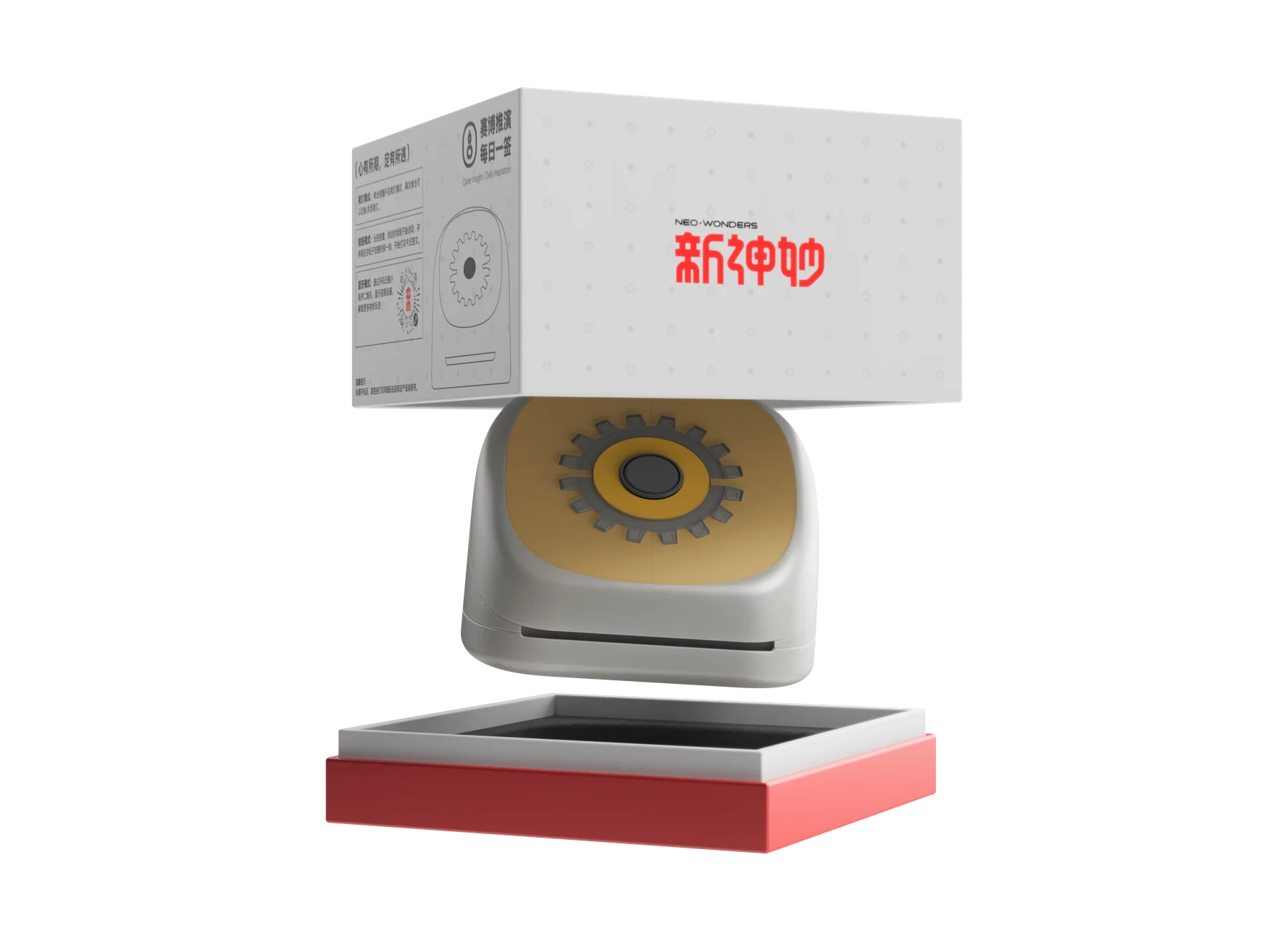
IN THE BOX
USB-C charging cable not included.
Use the USB-C charging port on the base with a compatible 5 V / 2 A power supply. Keep the port clean and dry.
Follow the included loading guide. The coated side of the thermal paper must face the correct direction for printing.
Try a built-in feature, or connect your device through the official NEO-WONDERS WeChat Mini Program to print photos and explore more content.
CHARGING & EVERYDAY USE
Approx. Charging Time
Approx. Fortune Slips per Full Charge
Approx. Lighting Time per Full Charge
A FEW USEFUL ANSWERS
An internet connection is not required for built-in everyday features. Photo printing, content customization, and additional modules require access to the official NEO-WONDERS WeChat Mini Program.
No. The device uses thermal printing with compatible thermal paper, so no ink or cartridges are required.
Thermal paper is coated on one side. If the roll is loaded backwards, it will print blank. Check the paper orientation in the included guide.
No. A USB-C charging cable is not included. Use a compatible USB-C cable and a 5 V / 2 A power supply.
Yes, as long as it meets the required specifications. Check the included guide for the correct paper size and type. For the best print quality, we recommend using the official thermal paper.
No. The EN / 中文 switch only changes the website language. Language support for printed content and the Mini Program depends on the current product release.
Keep the device away from fire. Do not use it if it is damaged or deformed. Keep small parts and paper away from young children, and recycle the product responsibly at the end of its life.
View full product specifications ↗